



Why Securing WordPress Websites Is Crucial
Securing WordPress websites has never been more important. WordPress powers over 40% of the internet, making it a major target for hackers. With thousands of sites compromised annually, this beginner’s guide will walk you through simple, effective steps to safeguard your WordPress website against cyber threats.
What Makes WordPress Websites a Target?
WordPress websites are popular, making them high-profile targets for cybercriminals. Here are a few reasons why WordPress sites are vulnerable:
- Popularity: WordPress is the most used content management system (CMS), making it an obvious target for hackers.
- Plugins and Themes: While plugins and themes offer a lot of functionality, they can also introduce vulnerabilities if not updated or configured correctly.
- User Error: Weak passwords and insecure hosting are common mistakes made by WordPress users.
Understanding these risks is the first step in securing WordPress websites effectively
The Importance of Keeping WordPress Updated
One of the simplest and most effective ways to keep your WordPress website secure is by regularly updating WordPress core, themes, and plugins. Updates often include security patches that fix known vulnerabilities.
- WordPress Core: Regularly update your WordPress core to ensure you’re running the latest security fixes.
- Themes and Plugins: Outdated plugins or themes are a significant security risk. Ensure they are updated regularly to protect against vulnerabilities.
Pro Tip: Enable automatic updates for critical updates in WordPress settings, so you don’t miss out on security patches.
Install a WordPress Security Plugin
WordPress security plugins are essential tools that provide an extra layer of protection for your website. Some must-have plugins include:
- Wordfence Security: Offers firewall protection and malware scanning.
- Sucuri Security: Provides site monitoring, malware removal, and protection from DDoS attacks.
- iThemes Security: Prevents brute force attacks and offers two-factor authentication.
These plugins help detect threats and block malicious activity in real time.
Use Strong Passwords and Two-Factor Authentication (2FA)
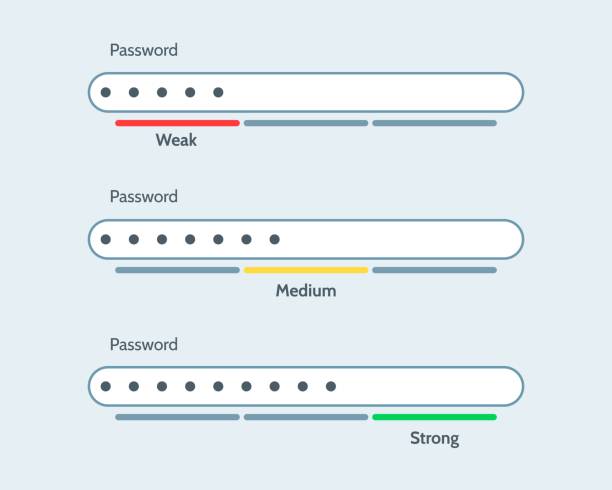
Weak passwords are one of the easiest ways for hackers to gain access to a WordPress website. Make sure all your login credentials are strong and unique. A strong password should include:
- Upper and lower case letters
- Numbers and special characters
- At least 12 characters long
Additionally, enable two-factor authentication (2FA) for added protection. With 2FA, even if a hacker obtains your password, they will still need a second form of verification (such as a code sent to your phone) to access your site.
Backup Your WordPress Site Regularly
Backups are essential. If your site is hacked, you can restore it to its previous, secure state. Use reliable backup plugins such as:
- UpdraftPlus: Allows you to schedule backups to cloud storage options like Google Drive or Dropbox.
- BackupBuddy: Offers both automatic backups and manual restore options.
Ensure you store backups in a secure location and test them periodically to ensure they work when you need them most.
Secure Your WordPress Login Page
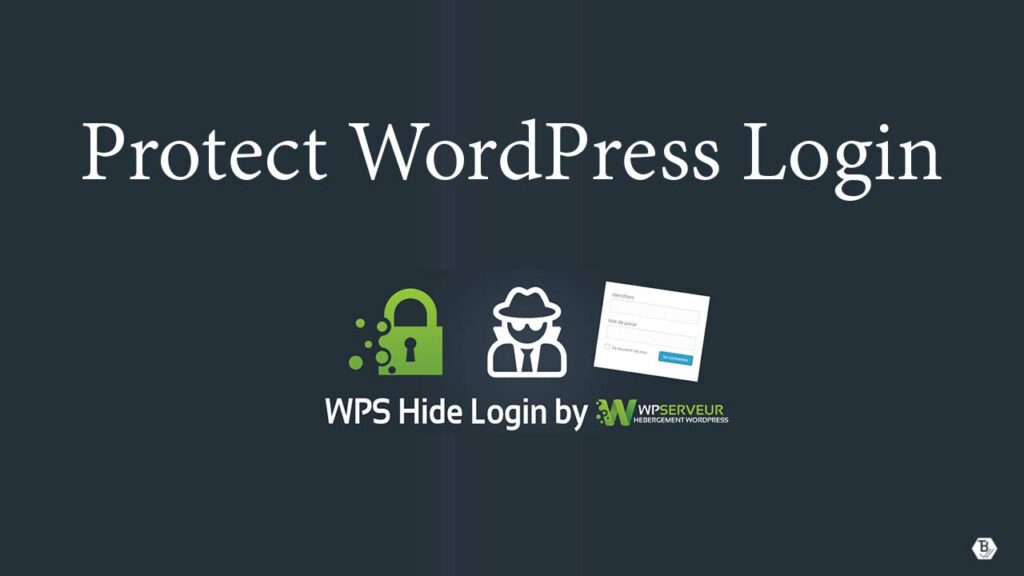
The WordPress login page is a common target for brute force attacks, where hackers try multiple username and password combinations to gain access. To protect your login page:
Limit login attempts to prevent hackers from trying many different passwords. You can do this using plugin like Limit Login Attempts Reloaded.
Change the default login URL (e.g., /wp-login.php) to something unique using a plugin like WPS Hide Login.
Implement SSL Encryption (Secure Socket Layer)
SSL certificates are essential for encrypting the connection between your website and visitors. If you handle sensitive information such as credit card details or personal data, SSL certificates are a must.
- An SSL certificate helps encrypt data and makes your website “HTTPS” rather than “HTTP.”
- It also boosts your SEO rankings and increases user trust by displaying a padlock symbol in the browser’s address bar.
Regularly Monitor Your Website for Security Issues
Use website monitoring tools to detect vulnerabilities or unusual activities in real-time. Some tools to consider:
- Google Search Console: Alerts you if your site is compromised with malware.
- Sucuri SiteCheck: Scans for malware and security issues on your WordPress site.
By keeping an eye on your site’s activity, you can spot problems before they escalate into major issues.
Avoid Using Pirated Themes or Plugins
Pirated or nulled themes and plugins are unauthorized versions of premium WordPress tools that are distributed for free or at a reduced cost. They often lack proper licensing and updates.While they might seem like a cost-saving option, they come with hidden dangers, such as malware, backdoors, and lack of updates. These risks can compromise your website’s security, causing data breaches or downtime.
To stay secure, always download themes and plugins from trusted sources like the official WordPress repository or reputable marketplaces. This ensures you receive regular updates, security patches, and reliable support.
Start Securing Your WordPress Site Today
Securing your WordPress website doesn’t have to be complex. By following these simple tips, you can significantly reduce the risk of cyberattacks and keep your site protected. Remember to regularly update your WordPress site, use strong passwords, install security plugins, and back up your website frequently.
Are you ready to secure your WordPress website? Start implementing these security measures today and safeguard your site against potential threats.
Need help securing your WordPress website? Contact us today for a free WordPress security audit and protect your site from cyber threats