



Learn why mobile device security is crucial in remote work environments and how to safeguard your endpoints effectively.

Remote work has become the new norm, and securing mobile devices is more important than ever. Smartphones and tablets are essential tools for remote employees, but they are also prime targets for cyberattacks. In this guide, we’ll explore how to protect these critical endpoints from threats like malware, phishing, and data breaches, ensuring your business remains secure.
The Growing Threat to Mobile Devices
Mobile devices have become extensions of corporate networks, but their security often lags behind. Here are the top threats:

- Malware and Spyware
- Malicious apps and software can infiltrate mobile devices, steal sensitive data, and compromise entire networks
- Phishing Attacks Hackers use deceptive emails, messages, or fake apps to trick users into revealing credentials or installing malware.
- Unsecured Wi-Fi Networks
- Public Wi-Fi leaves devices vulnerable to eavesdropping, man-in-the-middle attacks, and unauthorized access.
- Device Theft and Physical Breaches
- Stolen devices can provide direct access to company data if not adequately protected.
- Outdated Software
- Older operating systems and apps are rife with vulnerabilities, making them easy targets for attackers.
Best Practices for Securing Mobile Devices
1. Deploy Endpoint Security Solutions
Modern endpoint security tools integrate mobile device management (MDM) features that:
- Monitor device activity in real-time.
- Enforce encryption policies for sensitive data.
- Allow remote wiping of compromised or lost devices.
2. Enforce Multi-Factor Authentication (MFA)
Enhance device security by requiring MFA:
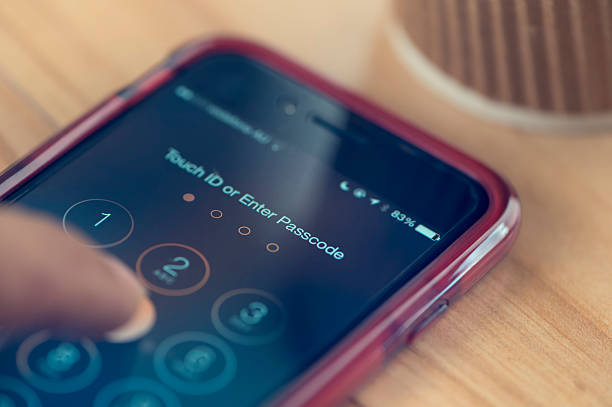
- Combine passwords with biometric authentication, such as fingerprints or facial recognition.
- Use authenticator apps for an added layer of security.
3. Secure App Usage
- Educate employees about downloading apps only from trusted sources like Google Play or Apple’s App Store.
- Perform regular app audits to remove unused or unauthorized software.
4. Enable Regular Updates and Patching
- Automate system and app updates to ensure devices are running the latest security patches.
- Prompt users to update their devices regularly.
5. Encrypt Data and Secure Connections
- Use encryption protocols like Secure Socket Layer (SSL) for data transmission.
- Mandate VPN usage when accessing company resources remotely.
6. Educate Employees
Security is only as strong as its weakest link. Offer training programs to help employees:
- Recognize phishing attempts.
- Avoid using public Wi-Fi without VPNs.
- Report suspicious activity immediately.
Integrating Mobile Device Security into an Endpoint Strategy
Mobile devices are just one component of a broader endpoint security approach. To build a robust framework:
- Centralize Endpoint Management: Use unified platforms to manage mobile devices alongside desktops, laptops, and servers.
- Implement Zero-Trust Principles: Verify every device and user before granting access to sensitive data.
- Monitor Continuously: Deploy tools that provide real-time visibility into endpoint activities and flag unusual behaviors.
Securing mobile devices in a remote work era isn’t optional—it’s a business imperative. By implementing endpoint security strategies, educating employees, and deploying advanced tools, you can protect your business from costly cyberattacks.
Your business deserves the best protection. Contact Eksani Systems today to learn how we can secure your endpoints and empower your remote workforce.